AV1 Image File Format is commonly used for image previews, thumbnails, metadata checks, and upload validation. Test multiple sizes because resolution, alpha support, compression, and file size often affect implementation behavior.
Common detection mistakes
The .avif extension alone does not prove the file contents. Upload and conversion flows should combine extension, MIME type, leading bytes, and format-specific structure checks.
AV1 Image File Format can start with signatures such as 66 74 79 70, but related containers and damaged files may require additional validation.
Security notes
Media files can still stress decoders through corrupt metadata, extreme dimensions, long durations, or unusual chunks. Read size, dimensions, and duration before processing.
Using samples
11 samples help test tiny images, high-resolution images, alpha channels, and hard-to-compress assets.
Blue Sky AVIF is a AV1 Image File Format sample based on Wikimedia Commons, 96 x 72. It can be used to test downloads, parsers, previews, and file type detection.
Flower Garden AVIF is a AV1 Image File Format sample based on Wikimedia Commons, 160 x 90. It can be used to test downloads, parsers, previews, and file type detection.
Navy Blue Sky AVIF is a AV1 Image File Format sample based on Wikimedia Commons, 256 x 128. It can be used to test downloads, parsers, previews, and file type detection.
Nature of the Sky AVIF is a AV1 Image File Format sample based on Wikimedia Commons, 360 x 270. It can be used to test downloads, parsers, previews, and file type detection.
Sky Landscape AVIF is a AV1 Image File Format sample based on Wikimedia Commons, 512 x 384. It can be used to test downloads, parsers, previews, and file type detection.
Starry Sky AVIF is a AV1 Image File Format sample based on Wikimedia Commons, 720 x 480. It can be used to test downloads, parsers, previews, and file type detection.
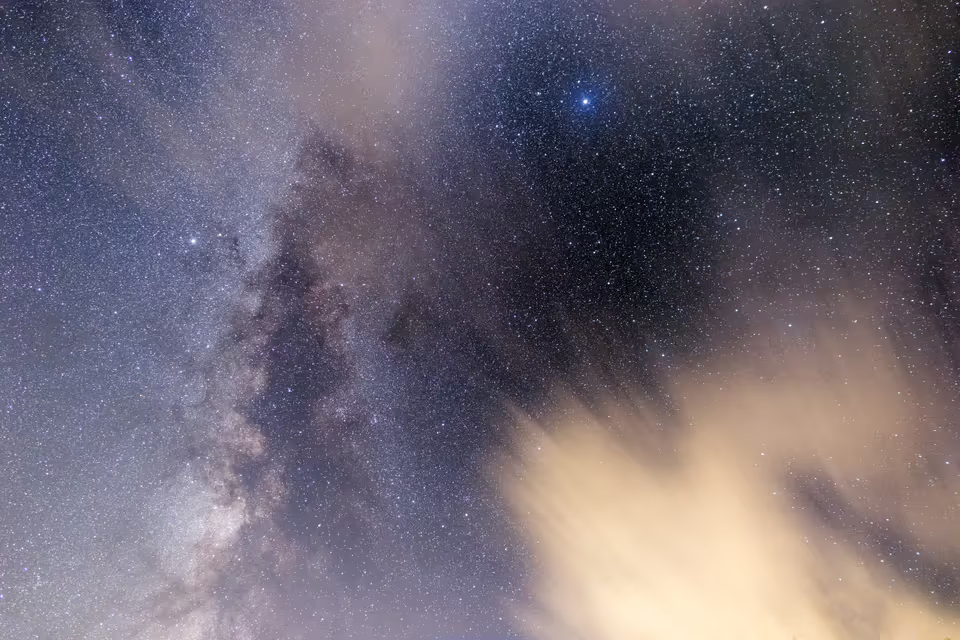
Blue Night Sky AVIF is a AV1 Image File Format sample based on Wikimedia Commons, 960 x 640. It can be used to test downloads, parsers, previews, and file type detection.
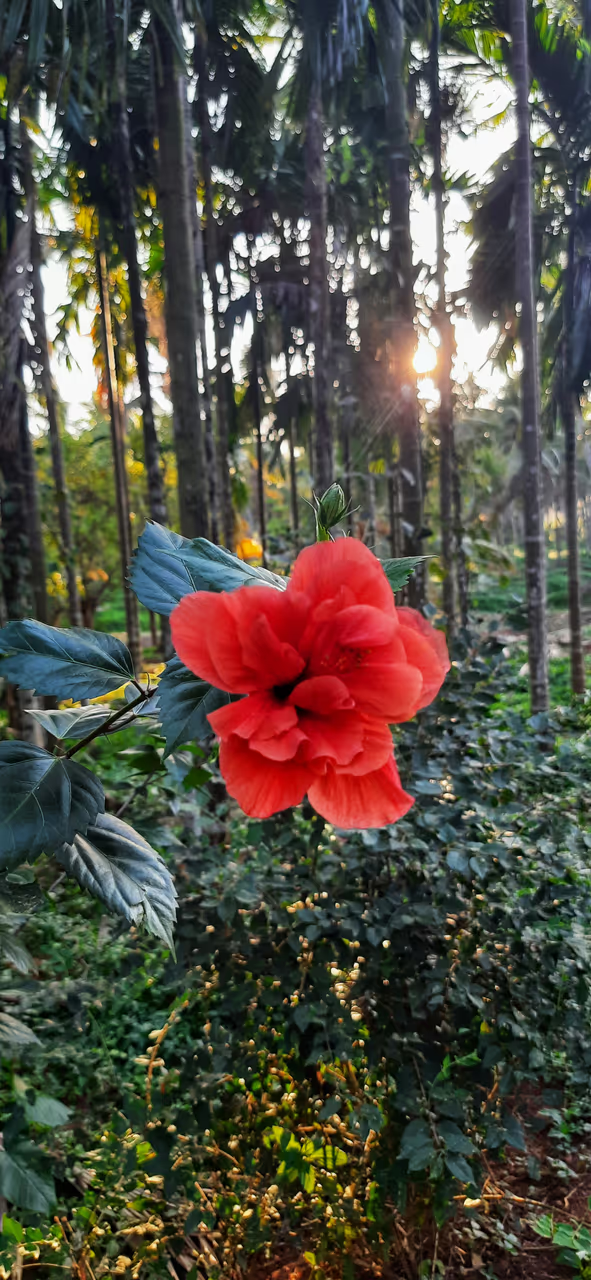
Hibiscus Flower AVIF is a AV1 Image File Format sample based on Wikimedia Commons, 591 x 1280. It can be used to test downloads, parsers, previews, and file type detection.
Arctic Sky AVIF is a AV1 Image File Format sample based on Wikimedia Commons, 1600 x 1063. It can be used to test downloads, parsers, previews, and file type detection.
Sunset Rays AVIF is a AV1 Image File Format sample based on Wikimedia Commons, 720 x 515. It can be used to test downloads, parsers, previews, and file type detection.
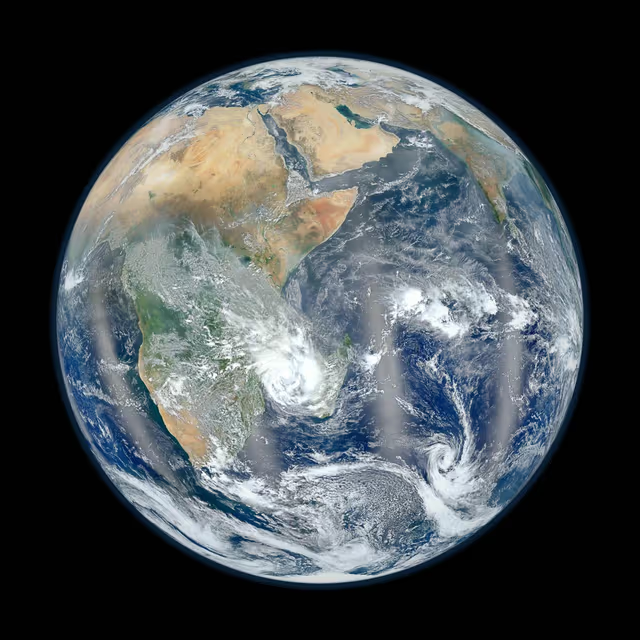
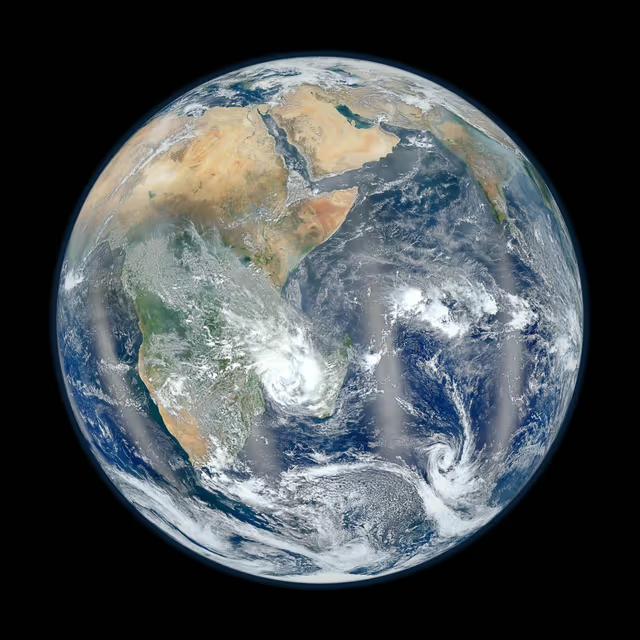
NASA Blue Marble AVIF is a AV1 Image File Format sample based on NASA Image and Video Library, 640 x 640. It can be used to test downloads, parsers, previews, and file type detection.
What is the magic number (file signature) of AV1 Image File Format?
AV1 Image File Format files begin with the byte signature 66 74 79 70 ("ftyp"). Detect the format by reading these leading bytes rather than trusting the file extension alone.
What is the MIME type of AV1 Image File Format?
The MIME type for AV1 Image File Format is image/avif.
What file extension does AV1 Image File Format use?
AV1 Image File Format files use the .avif extension. The extension is a convention only and does not guarantee the file contents, so combine it with signature and structure checks.